Complete EtherChannel Tutorial: LACP Configuration Guide
EtherChannel is a powerful networking technology that allows you to combine multiple physical links between switches or routers into a single logical connection. This tutorial will guide you through everything you need to know about EtherChannel with a special focus on LACP configuration.
Why Use LACP Over Other Protocols?
LACP (Link Aggregation Control Protocol) is the IEEE standard (802.3ad) for link aggregation, making it vendor-neutral and ideal for multi-vendor environments. Unlike Cisco’s proprietary PAgP, LACP works across different manufacturers’ equipment.
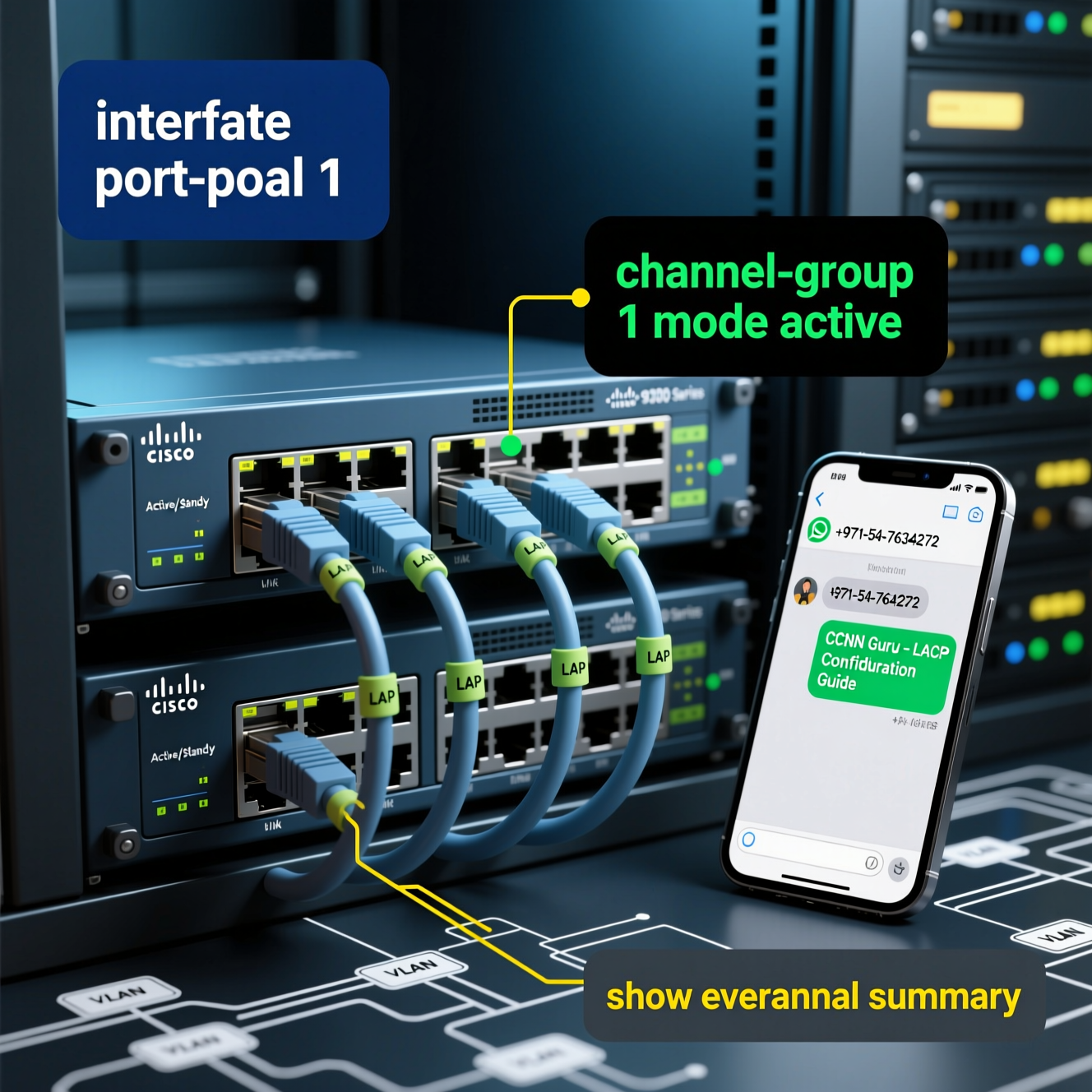
LACP Configuration Modes
| Mode | Description | When to Use |
|---|---|---|
| Active | Port actively negotiates channeling with the other end | Default recommendation for new setups |
| Passive | Responds to LACP messages but doesn’t initiate negotiation | When you want the other side to control formation |
Practical LACP Configuration Example
Here’s a step-by-step configuration for creating an LACP EtherChannel between two Cisco switches:
Switch1(config)# interface port-channel 1
Switch1(config-if)# switchport mode trunk
Switch1(config-if)# switchport trunk allowed vlan 10,20,30
Switch1(config)# interface range gigabitethernet 1/0/1 – 4
Switch1(config-if-range)# switchport mode trunk
Switch1(config-if-range)# channel-group 1 mode active
! On Switch 2:
Switch2(config)# interface port-channel 1
Switch2(config-if)# switchport mode trunk
Switch2(config-if)# switchport trunk allowed vlan 10,20,30
Switch2(config)# interface range gigabitethernet 1/0/1 – 4
Switch2(config-if-range)# switchport mode trunk
Switch2(config-if-range)# channel-group 1 mode active
Verification Commands
After configuration, verify your EtherChannel with these commands:
show lacp neighbor
show interfaces port-channel 1
show etherchannel port-channel